Track your emissions with the Carbon Calculator
Learn how to track your carbon emissions using the Carbon Calculator. Follow the steps below to set up your profile and start measuring your environmental impact.
Start now!
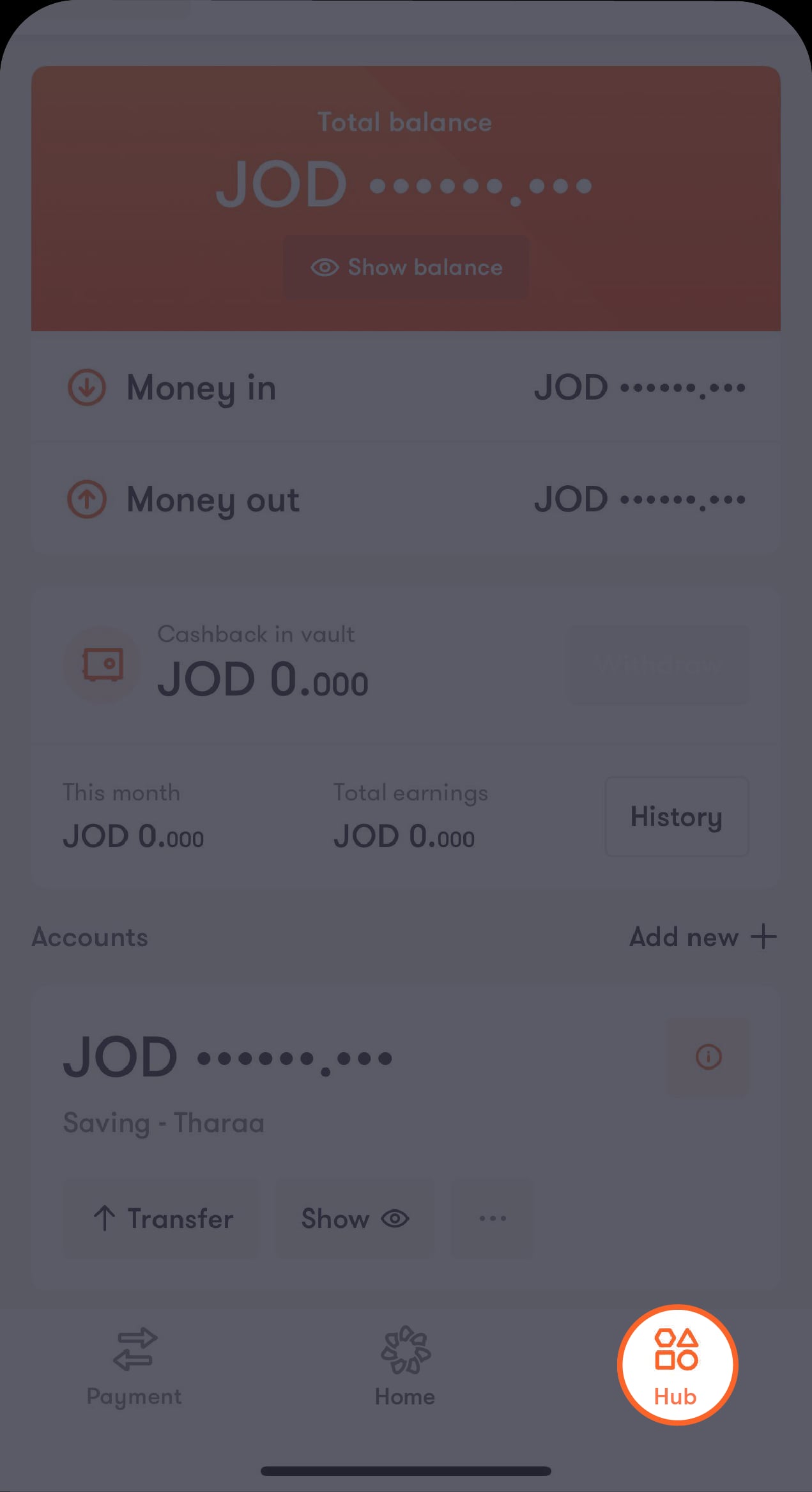
Step 1 of 9
Tap on “Hub” located at the bottom of the main screen
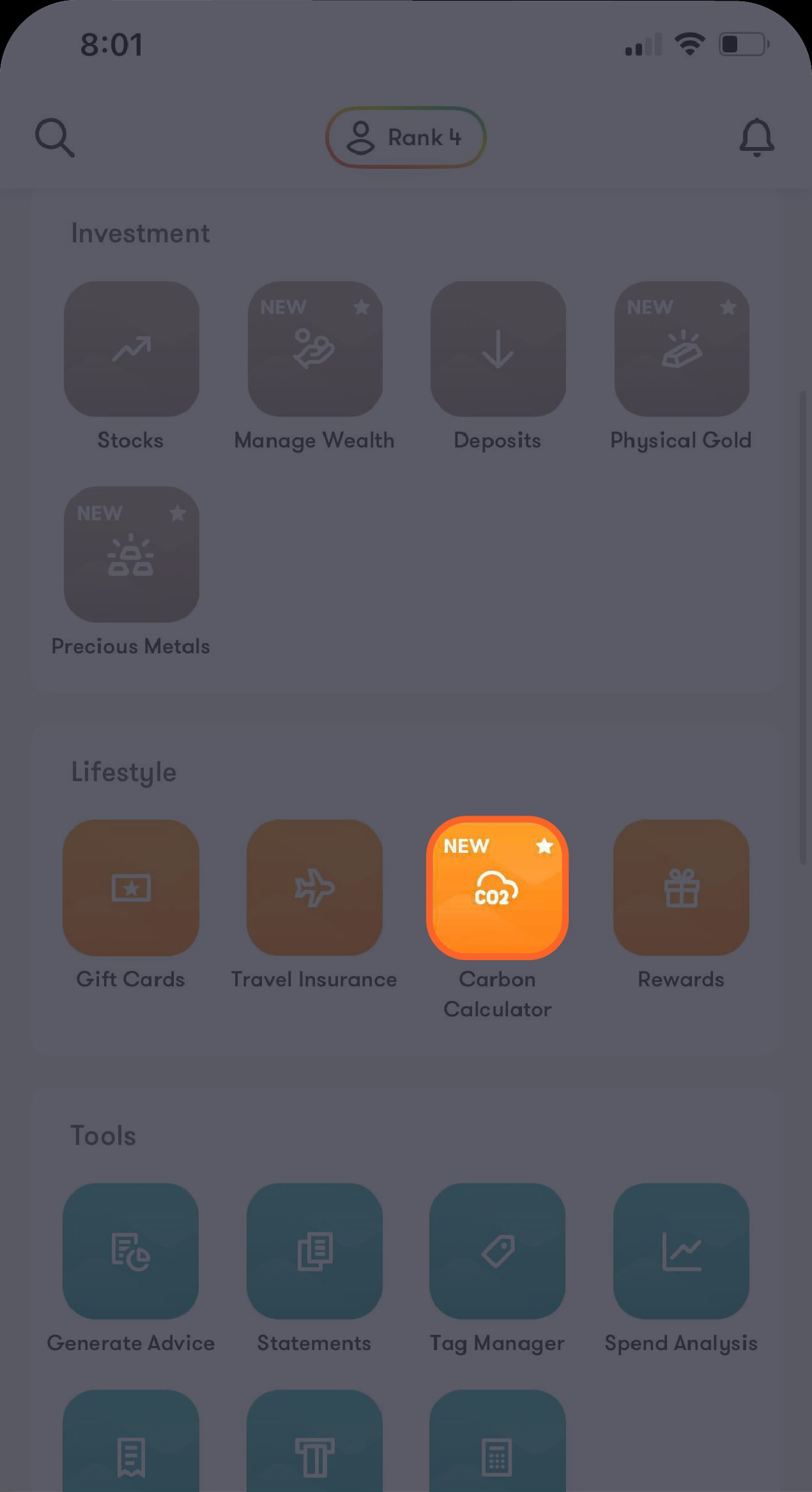
A list of options will appear. Scroll down to the “Lifestyle” section and choose “Carbon Calculator”.
Step 2 of 9
Tap on “Carbon Calculator”
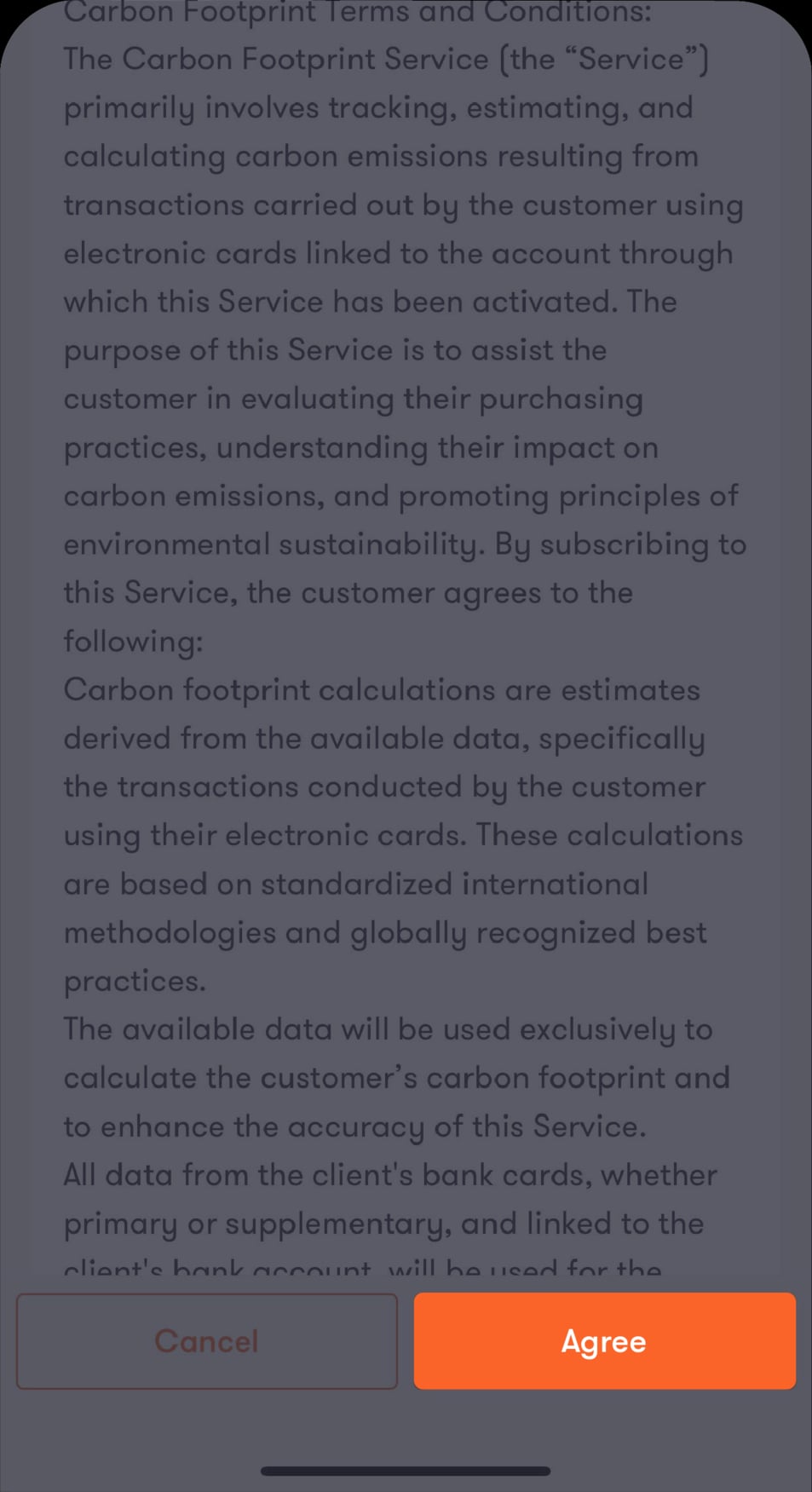
You’ll be directed to the “Terms and Conditions” screen.
Step 3 of 9
Review the terms and conditions, then tap on “Agree”
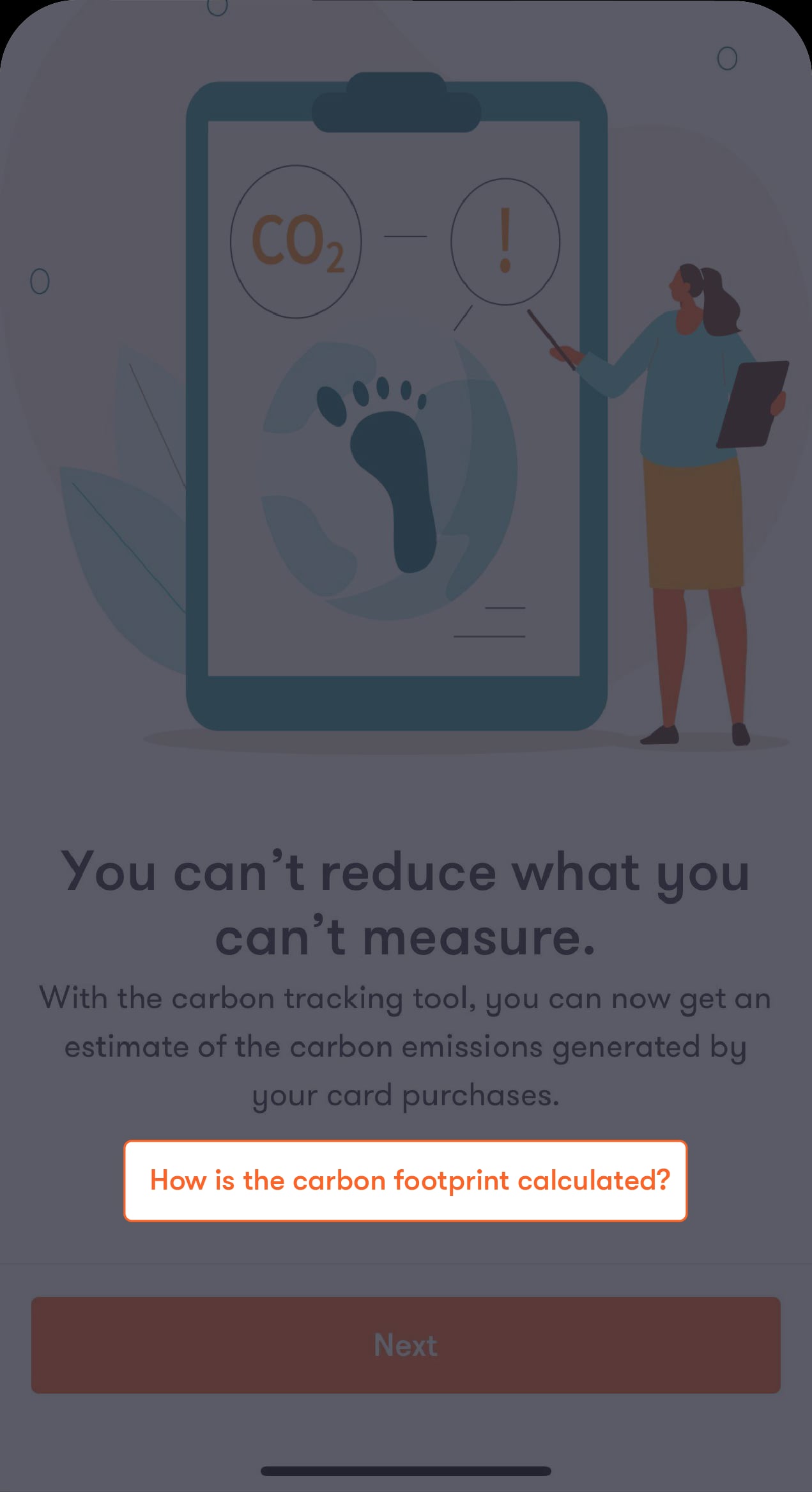
You'll be directed to a screen to learn how your carbon footprint is calculated and set up your profile to use the tool.
Step 4 of 9
Tap on “How is the carbon footprint calculated?”
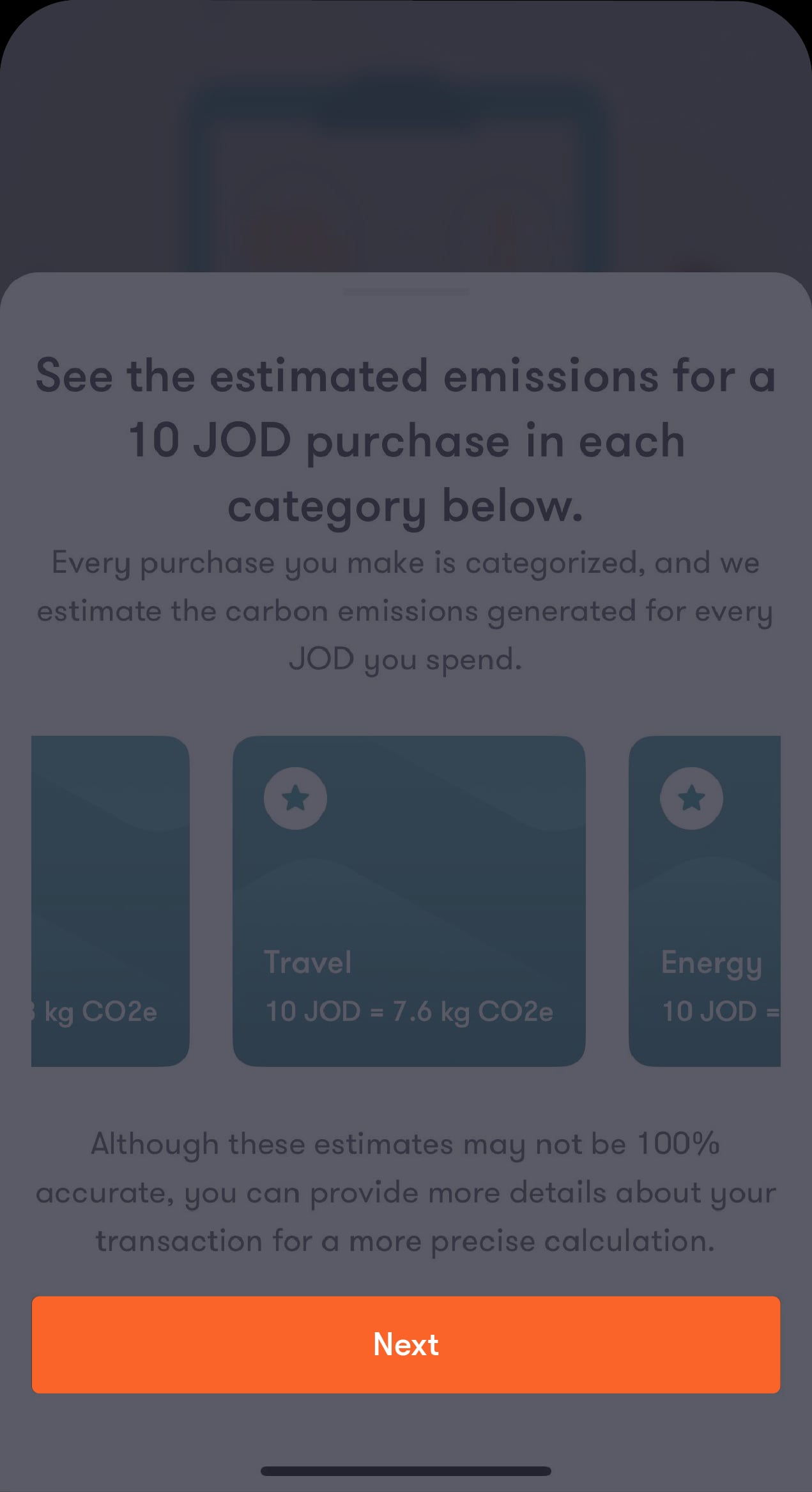
You’ll see the estimated emissions for different categories.
Step 5 of 9
Go through the estimated emissions for each category
Tap on “Next” to learn more about our calculation method.
Step 6 of 9
Tap on “Next”
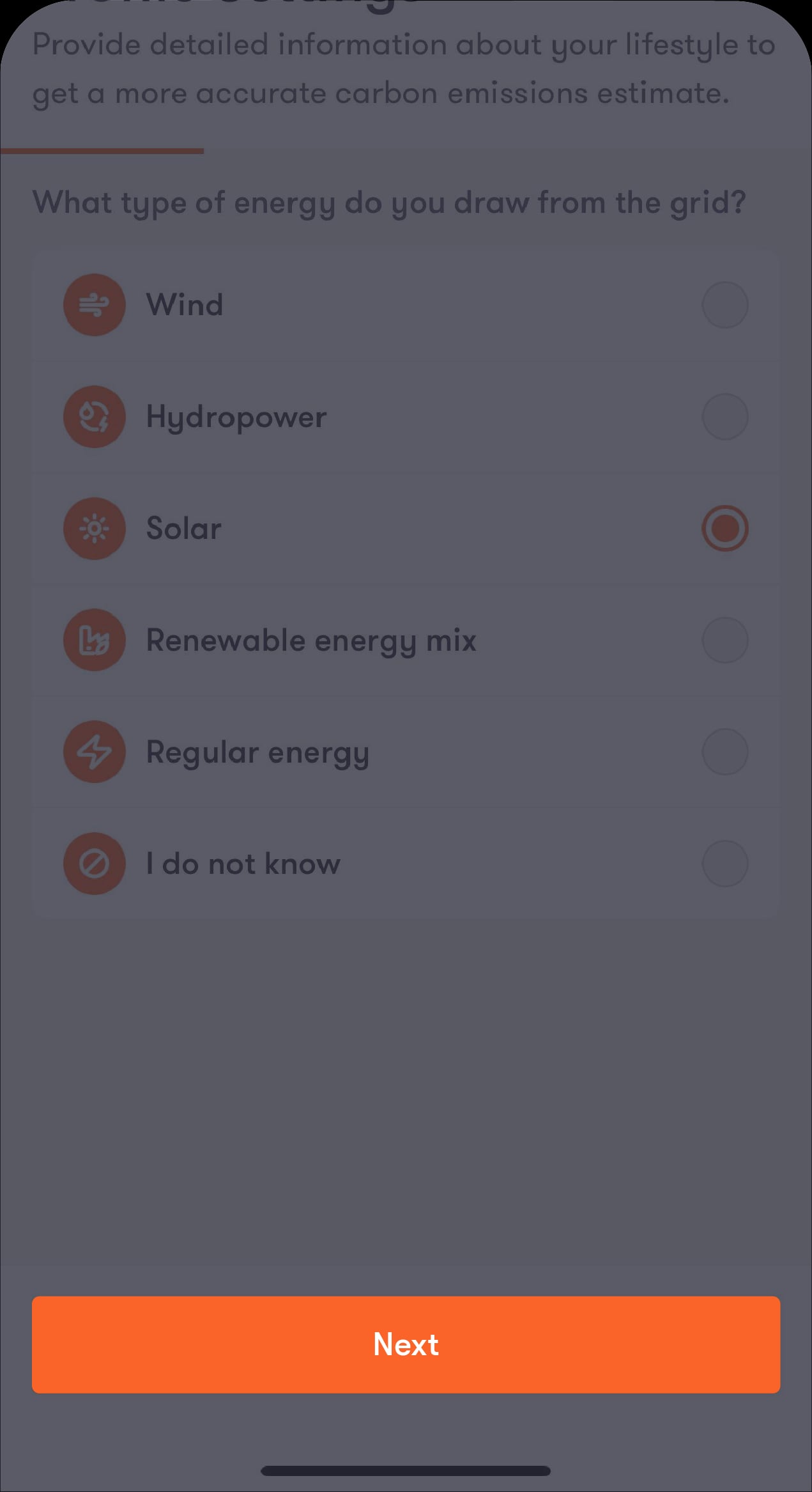
You’ll be directed to answer a few lifestyle questions for the tool to calculate your carbon emissions.
Step 7 of 9
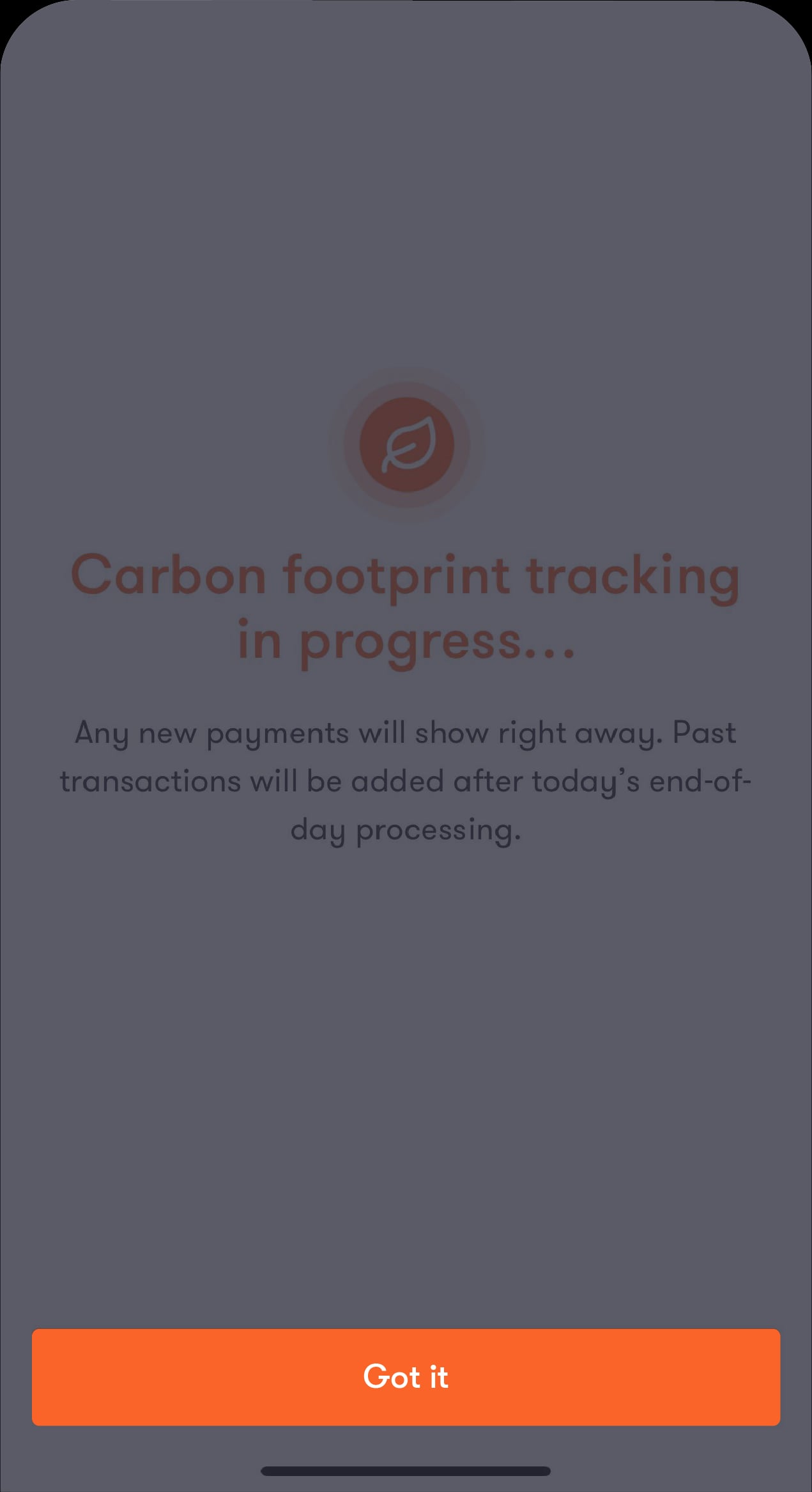
After your profile is set up, carbon emissions tracking will begin
The carbon footprint of past transactions will be available after today's processing.
Step 8 of 9
Tap on “Got it”
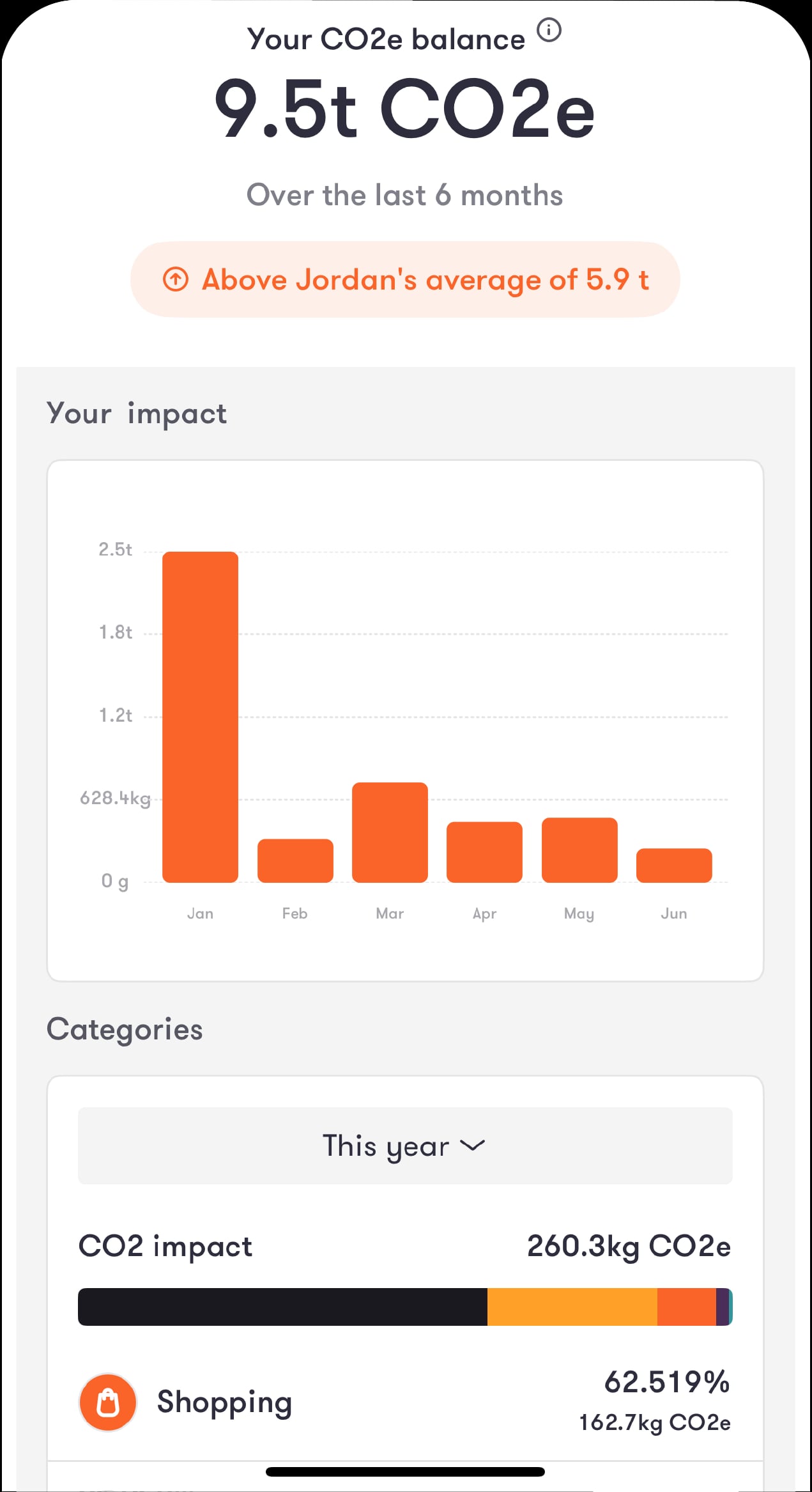
You will be able to view the sustainability dashboard
Step 9 of 9
Check out your personalised dashboard
You can view your estimated carbon emissions for each purchase, grouped by spending category.
Read the FAQ’s
Understanding your carbon footprint can help you lower your impact on the environment. It shows which parts of your lifestyle contribute to emissions. The tips we share can guide you in taking positive steps for the planet. Answering the optional questions in your profile helps us calculate your CO₂e emissions more accurately. Our goal is to give you a clear starting point and support you in making more sustainable choices.
Climate change is an important topic for many people. But understanding your personal impact can be difficult. Many people don’t know how they can help or feel that their contribution won’t make a difference. We offer a simple tool to help you understand your impact as a first step toward making more sustainable choices. Lowering CO₂e emissions can help fight climate change.
With your consent, we calculate CO₂e emissions for each purchase you make using your bank cards. Each transaction is categorised, and the emissions are estimated based on that category.
We give you an overview and a breakdown of your CO₂e emissions by category, such as groceries, transportation, energy, and more. If a transaction doesn’t fit a specific category, it’s placed under “Other.”
These are transactions that our system can’t classify automatically or don’t have specific carbon data. We hope to categorise them more accurately in the future.
We base the calculation on average values from public data, scientific studies, and research projects. This means the CO₂e emissions calculation is an estimate, but it becomes more accurate as more transactions are included. You can improve the accuracy by answering optional questions in your profile and a few extra questions for specific expenses. Your carbon footprint is a helpful starting point to understand which parts of your lifestyle cause the most emissions.
Our partners at Clarity AI receive anonymous data from us to create account profiles. Neither the bank nor Clarity AI can see any details about your purchases, like your shopping cart or item list.
To use this feature, we need your transaction data to calculate your carbon emissions. Only authorised employees at Clarity AI can access this data if it’s needed for their work. All Clarity AI employees have signed confidentiality agreements. For more details, please see our privacy policy.
The optional profile questions help us give you a more accurate estimate of your daily CO₂e emissions. For example, if you drive an electric car, your emissions are different from someone who drives a diesel car. Knowing this information helps us better match the results to your lifestyle. You can still get an estimate without answering these questions. In that case, we use general average values instead.